
How to Choose LAN Cable
A buyer-first method for comparing category, conductor, shielding, jacket, installation and test scope.
Outcome
Read the guide Turn a broad LAN request into a quote-ready cable and acceptance specification.
Selection, application and import-planning guides that turn broad product requests into clearer technical and commercial inputs.
Every guide includes a quick answer, decision steps, comparison prompts, a procurement checklist, common mistakes and official sources.
A buyer-first method for comparing category, conductor, shielding, jacket, installation and test scope.
Turn a broad LAN request into a quote-ready cable and acceptance specification.
Choose among IP/PoE, separate power and hybrid cable approaches using endpoint, distance and environmental inputs.
Build a camera-by-camera cable schedule that a supplier can review accurately.

Specify HDMI cable by official cable name, supported application, connector, length and verifiable certification label.
Replace an ambiguous HDMI-version request with a cable description that can be sourced and checked.

Organize specification, quantity, packing, tests, documents, destination and trade inputs before requesting a quotation.
Send a supplier one structured brief with fewer commercial and technical gaps.
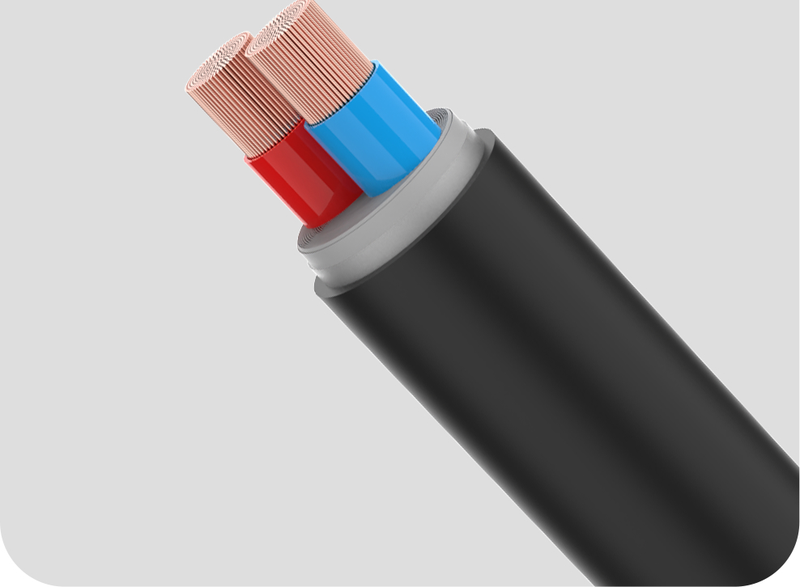
Choose between RVV sheathed cable, flexible wire and finished regional power cords using conductor, section, plug and destination inputs.
Turn a broad 'power cable' request into a construction, section and destination-ready specification.
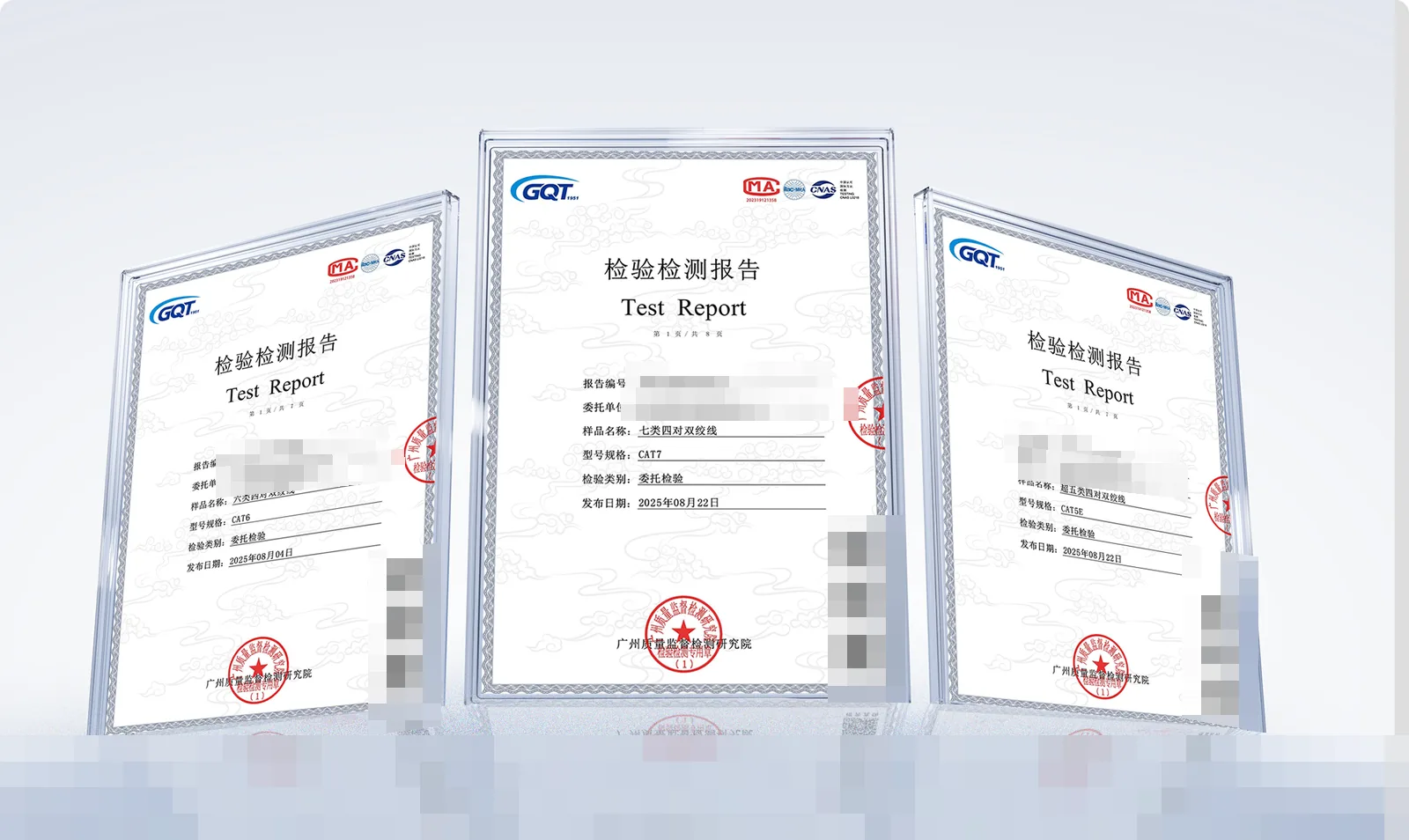
Understand what CE, RoHS, ISO 9001 and Fluke test reports each cover — and what they do not — before relying on them for procurement or customs.
Ask suppliers for the right document, with the right scope, for your product and destination market.
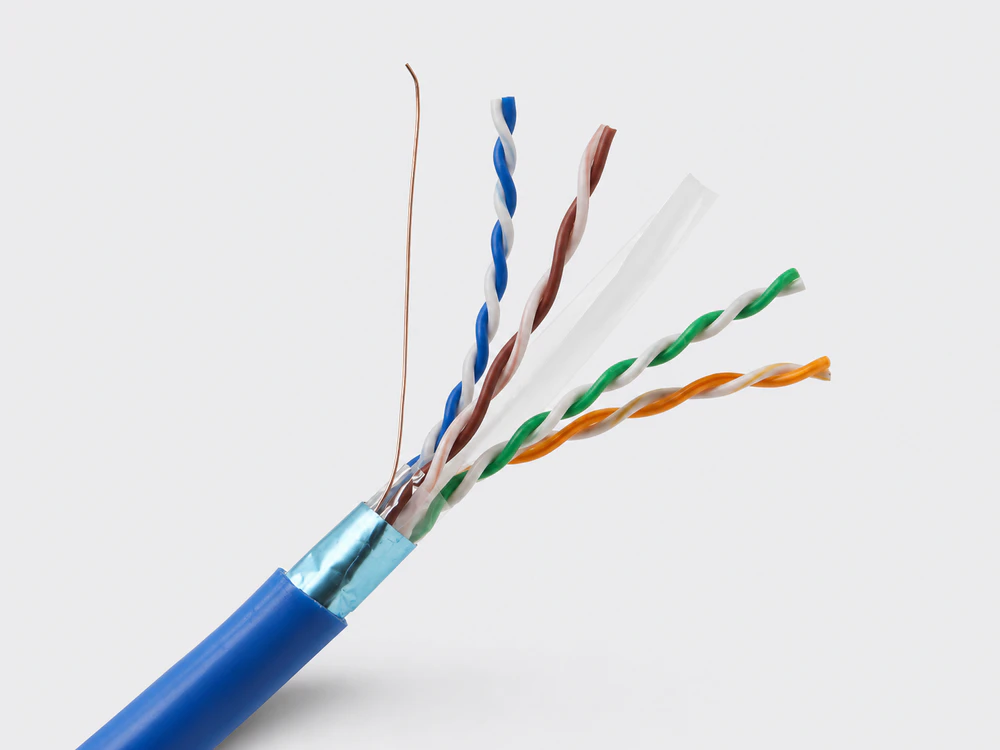
Compare copper-clad aluminium and solid copper conductors on performance, PoE, compliance and cost — and know when each is appropriate.
Decide the conductor for each line with eyes open, and state it clearly in the RFQ.
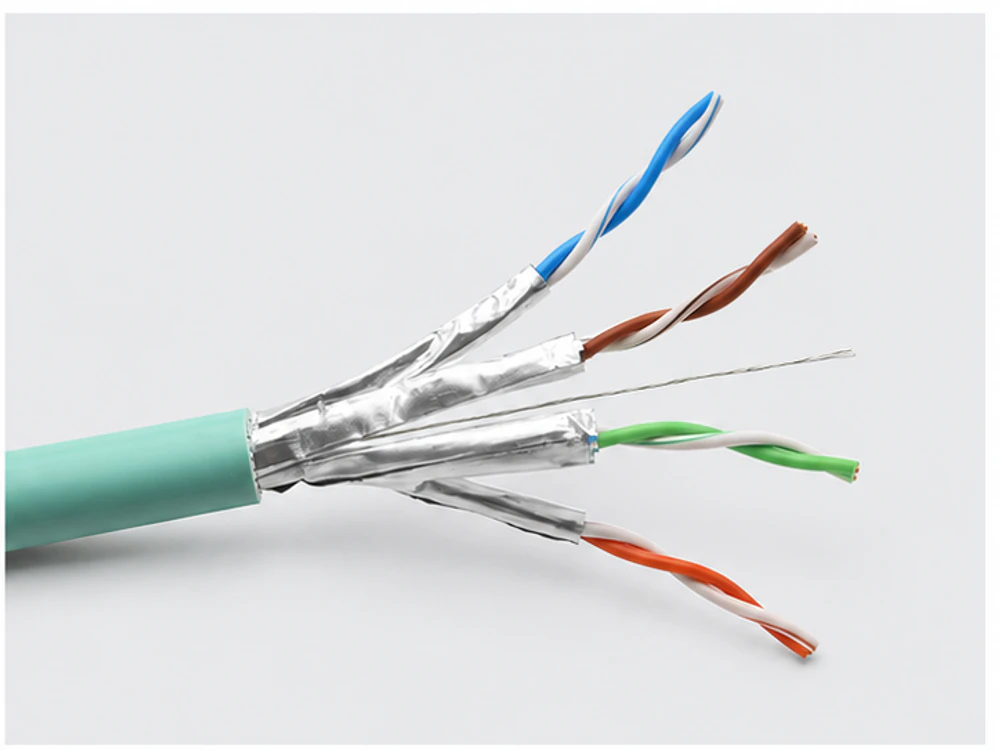
Understand unshielded, foil-shielded and braid-plus-foil network cable — and choose shielding as a designed system, not an isolated upgrade.
Select the right shielding construction for the environment, with grounding responsibility defined.
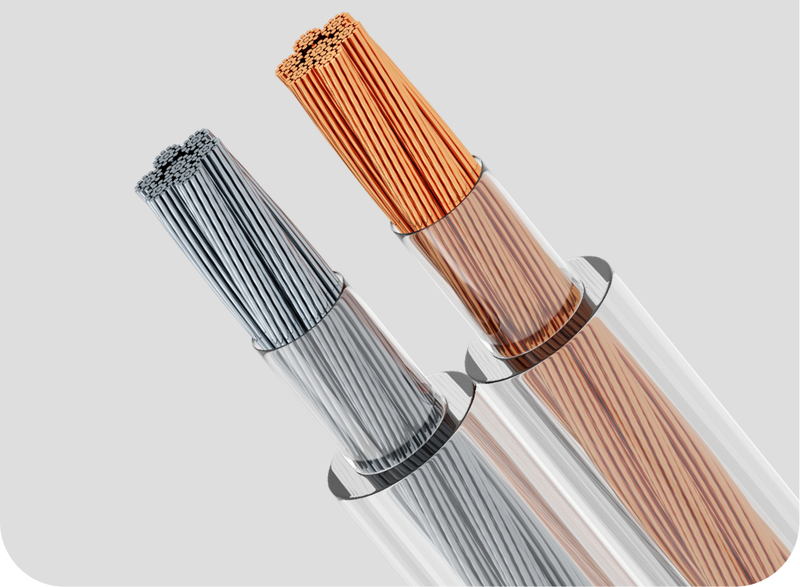
Choose between unshielded speaker cable and shielded stage/touring cable using run length, power, interference and channel-count inputs.
Match the audio cable construction to the venue, run and signal — and specify it clearly.
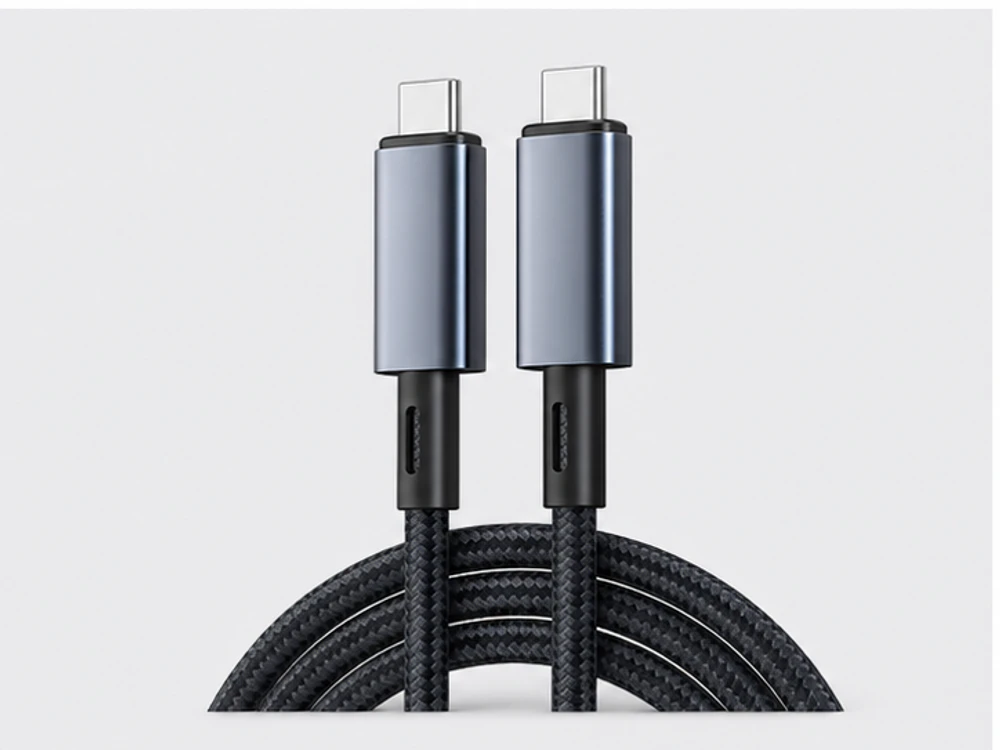
Specify USB cable by standard (2.0 / 3.0 / USB-C), connector combination, function, length and jacket — not by shape alone.
Turn a vague 'USB cable' request into a sourceable connector, standard and length specification.
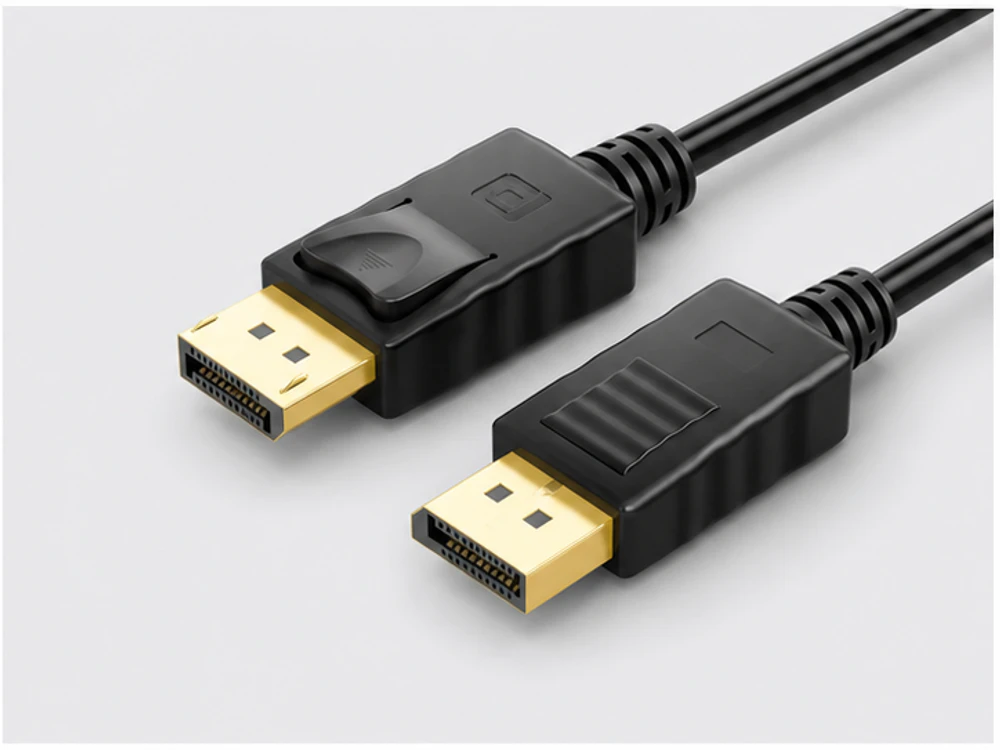
Choose among DisplayPort, DVI and VGA cables and adapters by signal type, resolution, run length and the ports on both devices.
Match the display cable or adapter to the source, display and resolution — with direction confirmed.
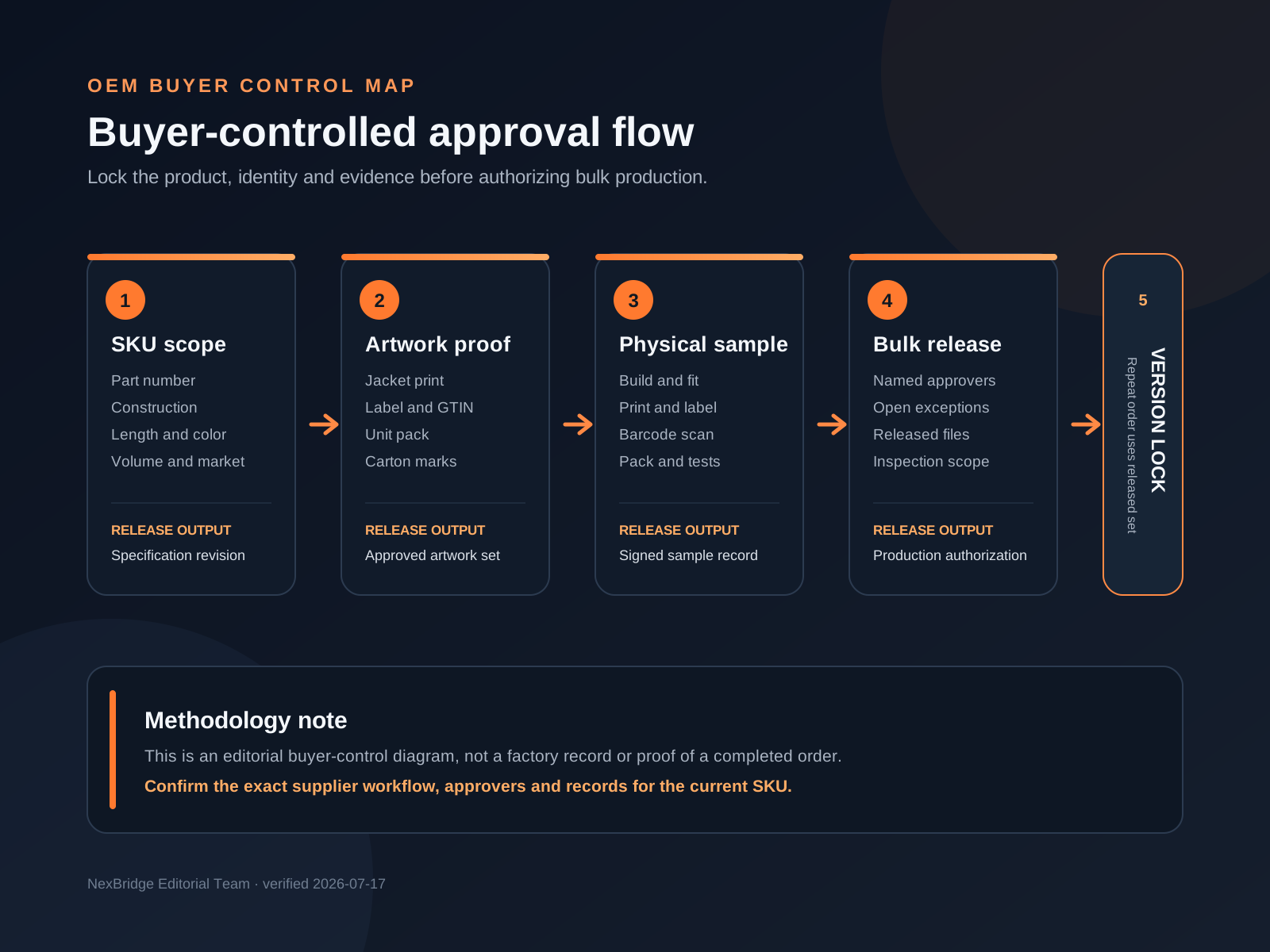
A buyer-controlled method for choosing the customization level, preparing branded artwork and releasing an approved cable SKU to production.
Turn a product list and brand concept into a reviewable OEM brief with clear approval and repeat-order controls.
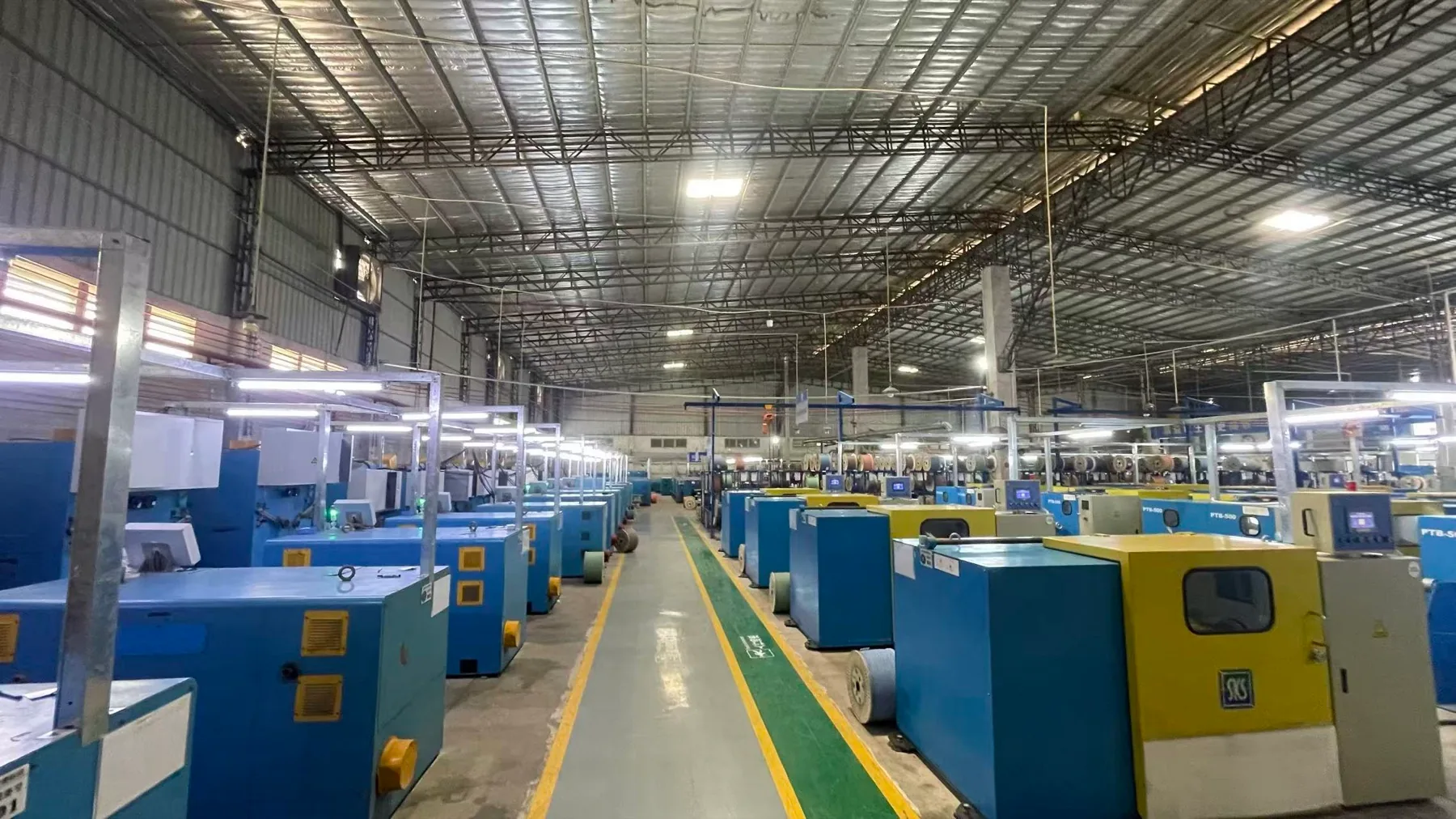
A buyer-ready method for defining the inspection plan, checking finished cable and packing, recording exceptions and issuing a clear shipment disposition.
Convert an informal final inspection into a traceable release decision tied to the purchase order, approved specification and actual lot.
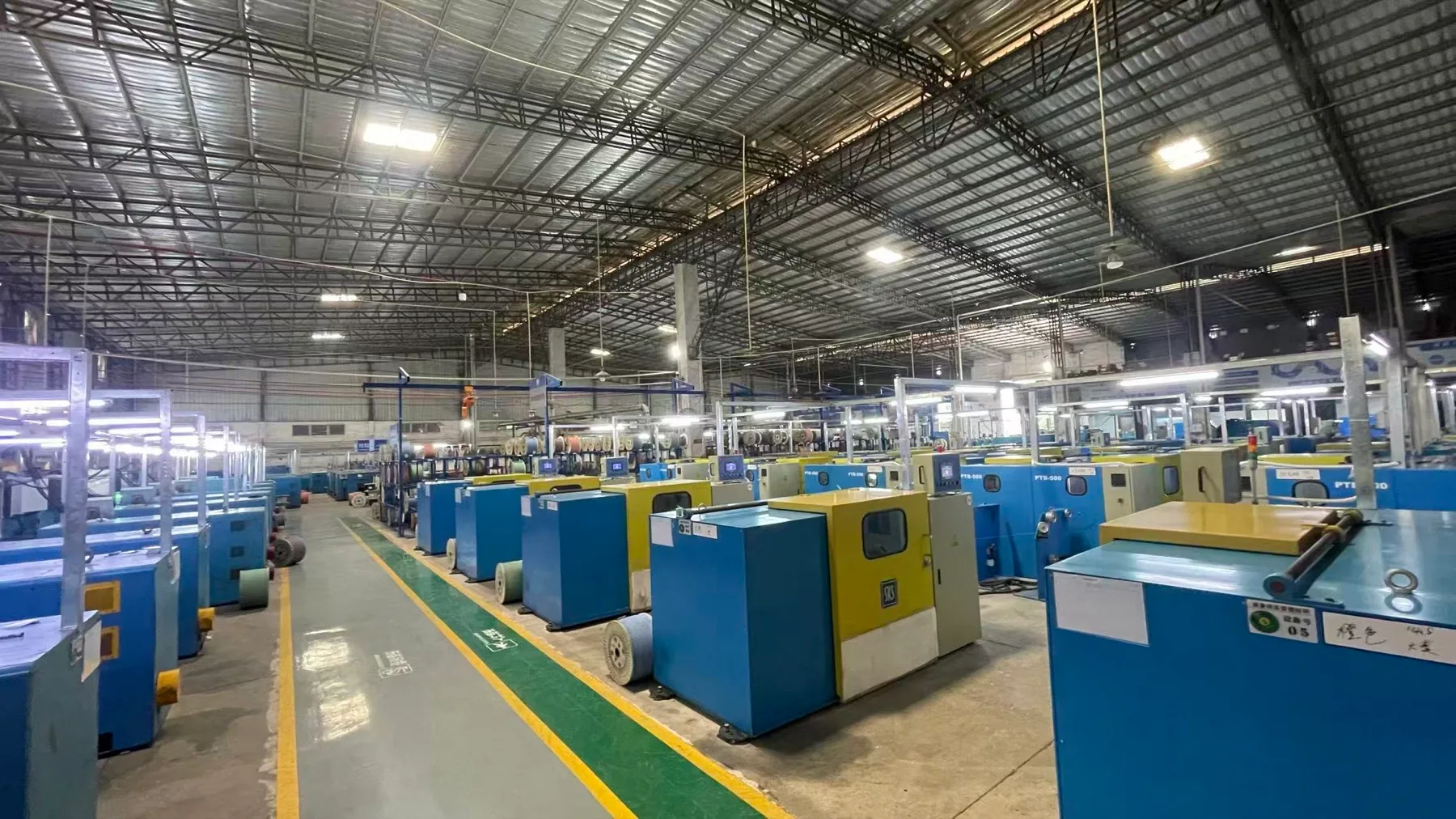
A buyer-controlled method for translating an approved cable sample into released specifications, early-production checks, traceable batches and repeat-order controls.
Replace an informal sample approval with a production baseline that identifies what was approved, what must be checked and who may authorize change.

A buyer-readable method for checking whether a Fluke LinkWare report matches the requested cable identity, link boundary, test limit and acceptance evidence.
Review the scope before the green result, then connect every reported value and deliverable to the exact link, cord, reel or order requirement.
NexBridge can review the construction, quantity, tests, packing, documents and destination inputs that still need confirmation.